2014
Turned gamer frustrations into product direction with data-backed insights, leading a with 80 surveys and 12 interviews that uncovered core multitasking pain points.
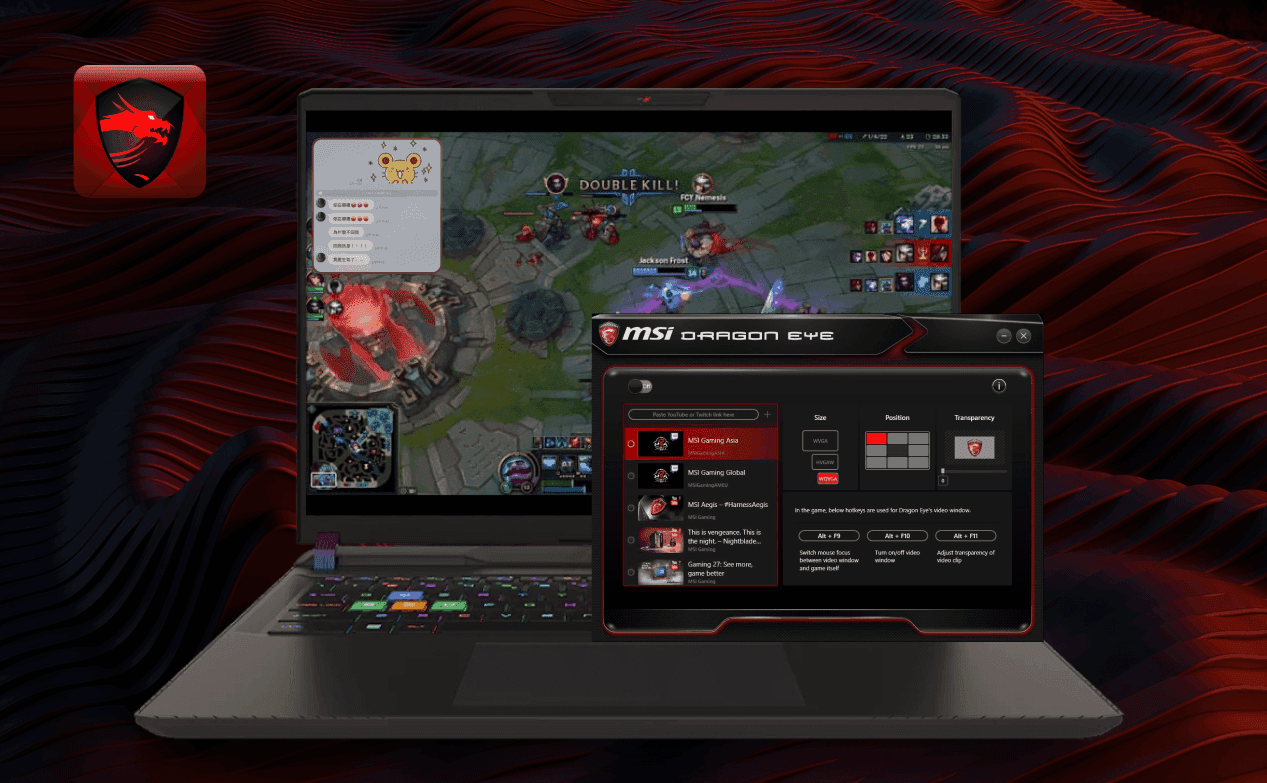
Designed a user-centered overlay tool, "Dragon Eye," enabling seamless in-game multitasking by letting players access chat, videos, or guides without breaking gameplay flow.
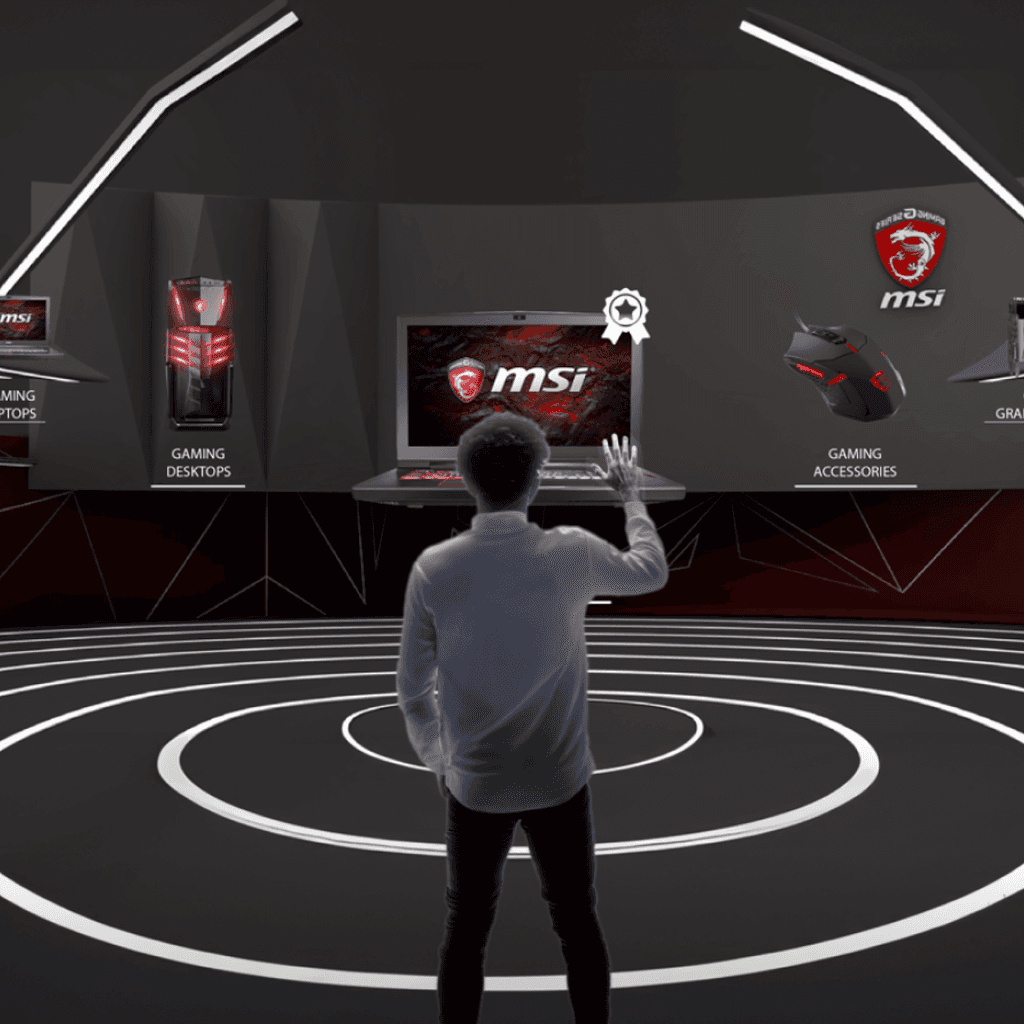
Delivered a patented software in all MSI gaming systems, launching Dragon Eye as a flagship user-centric tool, later showcased at Computex, and added to MSI’s annual innovation portfolio.
Led full-cycle product design, from research insights to UI/UX execution, by translating a 2-month study and 3-week design sprint into clear feature specs, flow, and interface.
Strengthened design-dev collaboration by working closely with MSI engineers to deliver a high-performance, visually clear, and resource-efficient tool.
Reinforced MSI’s brand by aligning product innovation with gamer feedback, embedding user research into the roadmap, and delivering a solution that showcased MSI’s user-first mindset.
Services
Research
UX & UI Design
Platforms
PC Software
Tools
Survey tool
AI+PS
My Role
Researcher
UX/UI Designer
I lead an MSI internal innovation gamers research project aimed at uncovering gamers' in-game behaviors and unmet needs. Through field studies and user interviews, I surfaced key friction points, which were then transformed into actionable design recommendations during co-creation workshops. I translated these insights into the design of Dragon Eye, a patented software solution that was successfully showcased at Computex, demonstrating how user-centered research can drive meaningful product innovation.
Duration: Conducted 2 months of user research and stakeholder workshops, then spent 3 weeks designing the software solution.
TA: Gamers are affected by real-life distractions while playing.
Scope: Planned the research framework, conducted user research, analyzed findings, led co-creation workshops with stakeholders, and delivered the design from concept to implementation.
UIUX Designer
Jin
UIUX Designer
Irene
UIUX Designer
Sonia
Research Motivation
To ensure the design was grounded in real-world behavior, I designed a multi-stage research plan that moved from broad user profiling to in-depth contextual investigation. This approach allowed us to not only understand who our users are, but also how, when, and where they play. It helped surface critical frictions and uncovered meaningful design opportunities tied to users’ real environments.
Through this process, we reached over 200 participants in the survey phase and selected 6 representative gamers for deeper study. This mix of quantitative and qualitative data gave the team a comprehensive foundation to guide design decisions with confidence.
Research Planning
To ensure the design was grounded in real-world behavior, I designed a multi-stage research plan that moved from broad user profiling to in-depth contextual investigation. This approach allowed us to not only understand who our users are, but also how, when, and where they play. It helped surface critical frictions and uncovered meaningful design opportunities tied to users’ real environments.
Through this process, we reached over 200 participants in the survey phase and selected 6 representative gamers for deeper study. This mix of quantitative and qualitative data gave the team a comprehensive foundation to guide design decisions with confidence.
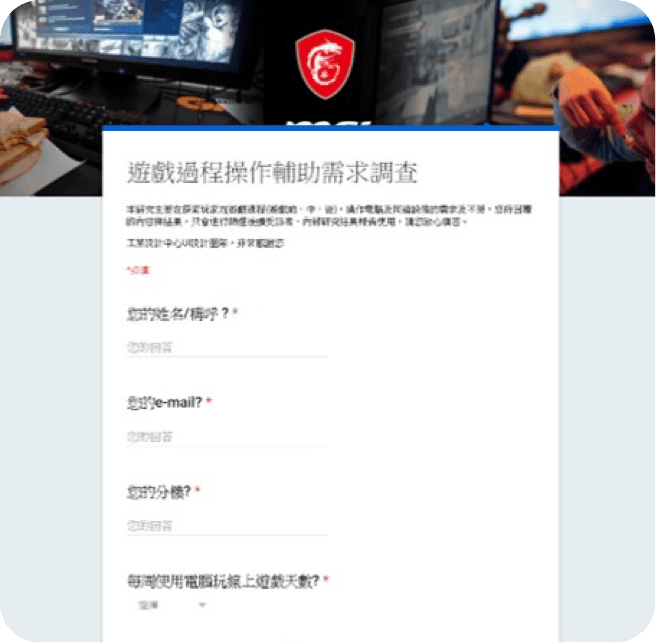
Online Survey - 223responses
Gathered user demographics, gaming habits, and behavioral trends to identify patterns and segment user types for deeper research.
Participant Selection - 6 gamers
Chose a diverse group of players across different gaming genres and lifestyles to ensure representative insights.
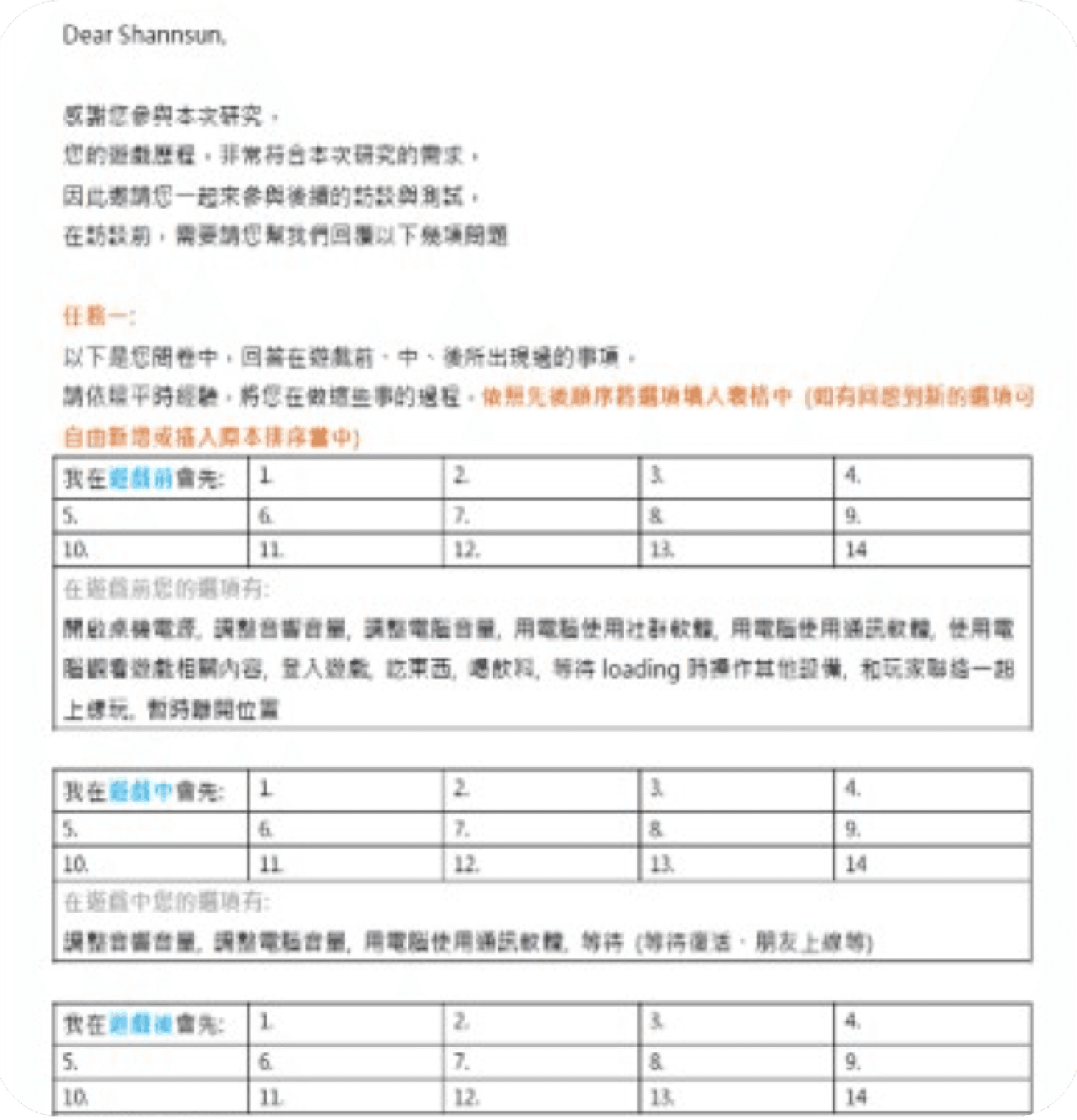
One-Week Gaming Diary
Asked participants to log their daily after-work gaming routines for 7 days, revealing behavior patterns, timing, and disruptions.
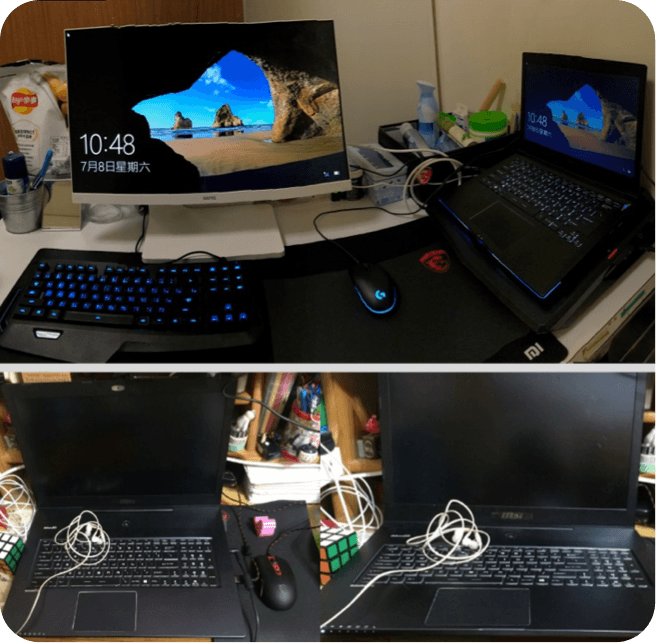
Home Environment Documentation
Participants submitted photos of their gaming setups, including desk layout, devices, and surrounding items, to help us recreate the actual usage context and identify ergonomic or behavioral triggers.
Research Design
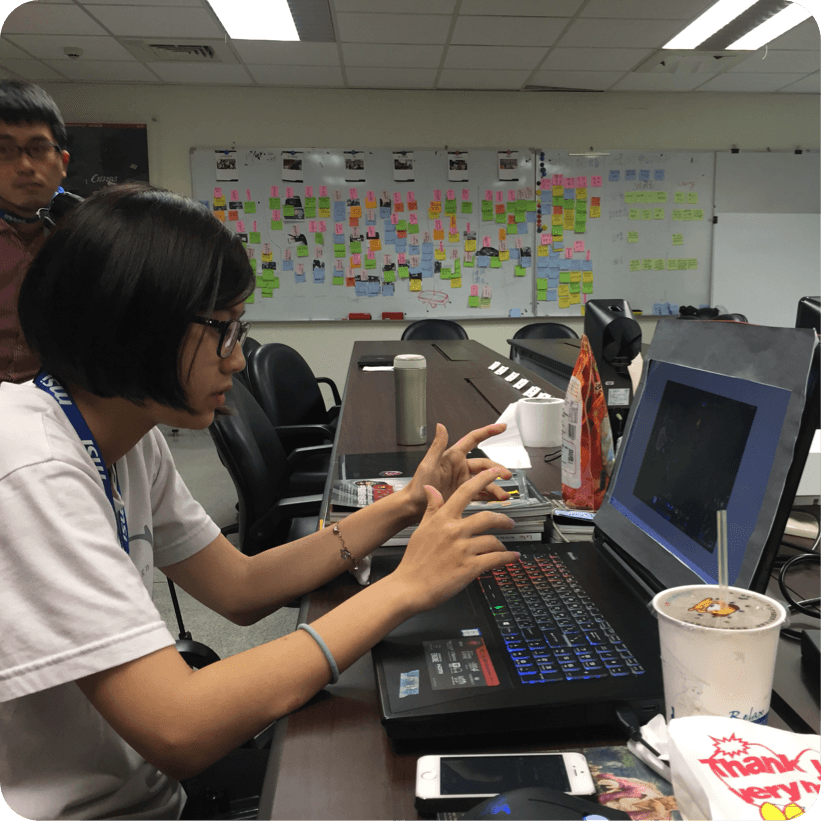
To capture authentic user behavior and uncover real pain points, I designed the study to closely mimic participants’ actual gaming contexts and routines. The research tasks and environments were tailored to each player’s daily habits. This naturalistic approach allowed us to observe subtle but impactful interruptions in a realistic setting, insights that standard usability testing might miss.
By situating the research in real-life contexts, users were able to lower their guard and perform tasks more naturally, resulting in more authentic insights that closely reflect their true pain points.
Task Design Based on Gaming Diaries
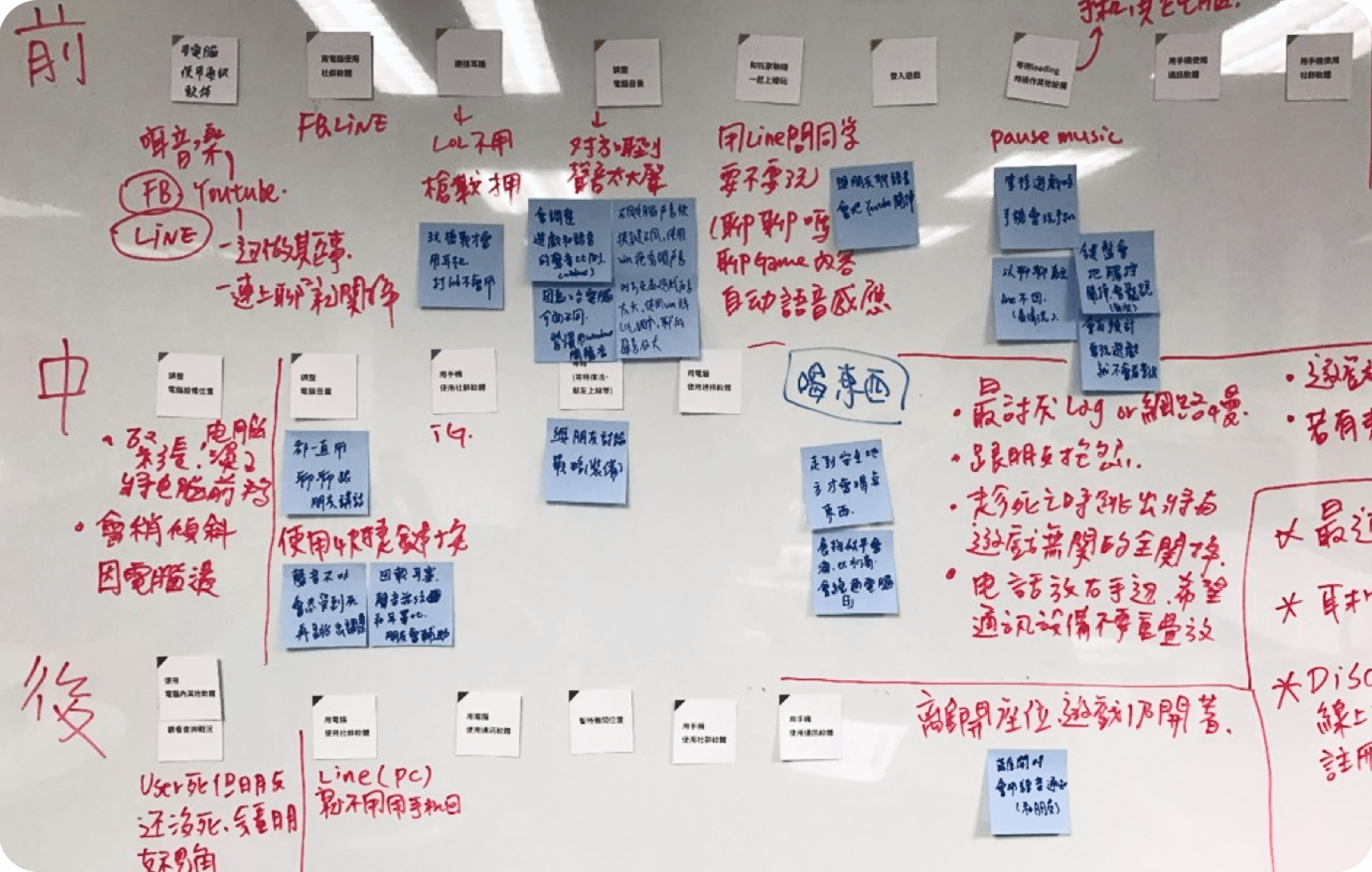
Proudly designed user tasks grounded in real gaming routines, mapped across pre-, in-, and post-game stages, to ensure our research truly reflected how players think and play.
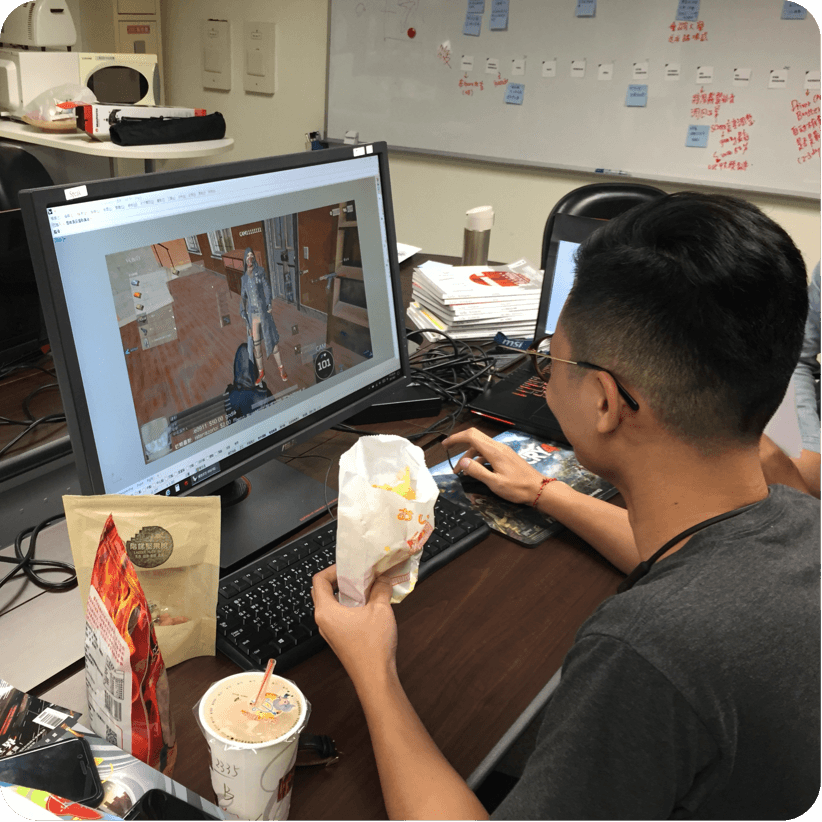
Contextual Environment Setup
I recreated each participant’s gaming setup, including desk layout, lighting, and gear, to make the testing as realistic as possible and uncover issues that might not be apparent in a lab.
Natural Gameplay + Interruption Simulation
By introducing everyday distractions during natural gameplay, we observed genuine user reactions and uncovered opportunities to reduce friction and mental load.
Research Insight
To uncover unmet user needs and elevate the in-game experience, we conducted contextual user testing and in-depth interviews. By observing participants’ real-time behaviors and discussing their motivations and frustrations during gameplay, we discovered critical pain points caused by daily life interruptions. These insights led to tangible design opportunities that reduce user stress and improve focus, ultimately enhancing both user satisfaction and engagement.
Managing Distractions Mid-Game
Players in ranked matches often face real-life interruptions, such as partner messages, and feel torn between their social and gaming duties. They want a subtle way to judge message urgency without hurting gameplay.
Staying Focused Under Pressure
Unexpected calls for help can break a player’s focus and lead to mistakes. They want a brief pause or support feature to handle real-life moments without heavy in-game penalties.
Seamless Communication Without Lag
Notification pop-ups often cause lag or frame drops during matches. Players want smoother, low-impact messaging that keeps performance intact.
Comfortable Post-Game Interaction
After intense matches, players want to relax with snacks or drinks, but worry about damaging their gear. They prefer easier, more forgiving ways to interact casually after gameplay.
Design Insight
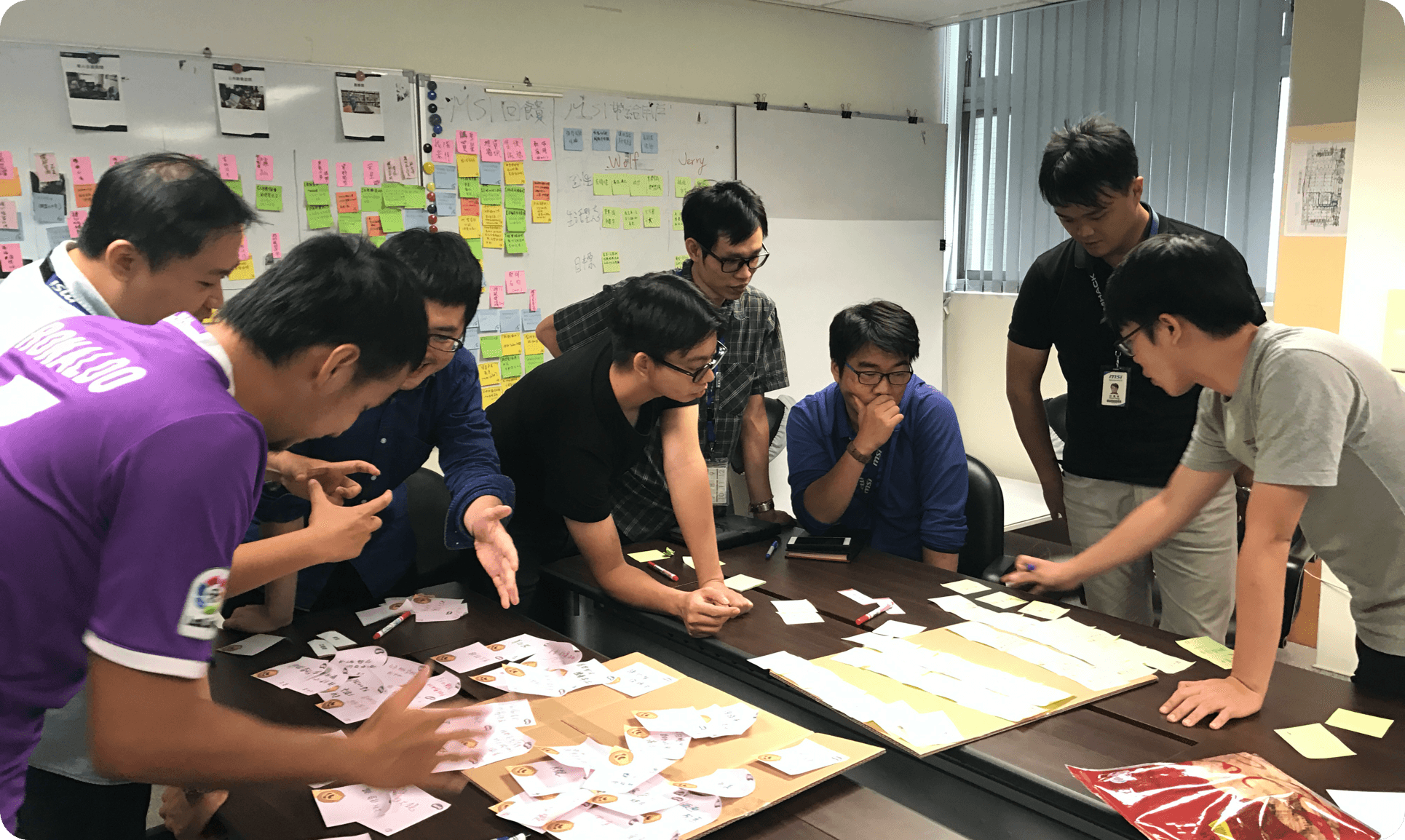
After delivering a user research report and key insights, I initiated and facilitated a co-creation workshop with key stakeholders, including cross-functional team members and decision-makers. The goal was to collaboratively transform user pain points into actionable, design-driven ideas. This approach not only aligned the team on user needs but also accelerated buy-in across departments.
Design Solutions
Smart Notification Prioritization by Mode
An intelligent message management app that switches between Work, Break, and Game modes. It allows users to assign contact roles and message priority levels, automatically sorts notifications based on urgency, and supports custom auto-replies or stickers.
Semi-Transparent Game Overlay Dashboard
A dynamic in-game 9-grid UI that lets players toggle any section to transparent. This enables glances at desktop content, like chats or game guides, without disrupting gameplay.
Foot-Controlled Mouse for Gamers
A foot-operated mouse designed for gamers with occupied or messy hands. It offers basic navigation and macro triggers during gameplay, enhancing multitasking and hygiene without pausing the action.
Design Results
I led the feature planning, user flow, and UI/UX design of Dragon Eye, a patented MSI software that lets gamers overlay apps like chats, walkthroughs, or videos on gameplay using a 3x3 screen grid. Designed with intuitive controls and minimal distraction, it enhanced multitasking without breaking immersion. Deployed across MSI gaming devices, Dragon Eye was featured at Computex as a key innovation.